




Summarize this article with
Ensuring your HubSpot website complies with privacy laws such as GDPR and CCPA is essential for building user trust and avoiding regulatory risks. One of the most effective ways to meet these requirements is by adding a cookie consent banner.
Together, let’s learn how to implement a cookie notice on your HubSpot site using simple tools or custom code.
Why you need a cookie consent banner
A cookie consent banner notifies visitors that your website uses cookies and gives them the option to accept or manage their preferences. It’s a key requirement for data privacy compliance and plays an important role in building trust and transparency with your audience.
Read also: How to add a cookie banner to your webflow, wordpress, wix, bigcommerce and squarespace websites
Top options for implementing a Hubspot cookie notice
There are several effective ways to add a cookie consent banner to a HubSpot website, depending on your privacy requirements, technical setup, and desired level of customization:
1. Use HubSpot's built-in cookie banner (basic and limited option)
HubSpot provides a native cookie consent banner that can be enabled through the Privacy & Consent settings in your account. This is a simple solution for basic compliance with a limited number of regulations.
2. Install a third-party privacy tool (recommended for future-proof and peace of mind)
Platforms like Ketch offer more advanced, free cookie management solutions. These tools often include geo-targeting, consent logging, and granular control over cookie categories. They can be integrated with HubSpot by inserting a tag or script into the site’s head HTML section.
They’re easy to implement and come with a wide range of benefits—including brand-aligned customization, quick deployment, real-time consent enforcement, and centralized control across your tools and systems.
Plus, they automatically stay up to date with evolving privacy laws and regulations. In an era of ever-evolving data privacy laws, it simply gives you peace of mind.
We’ll walk you through the recommended option below.
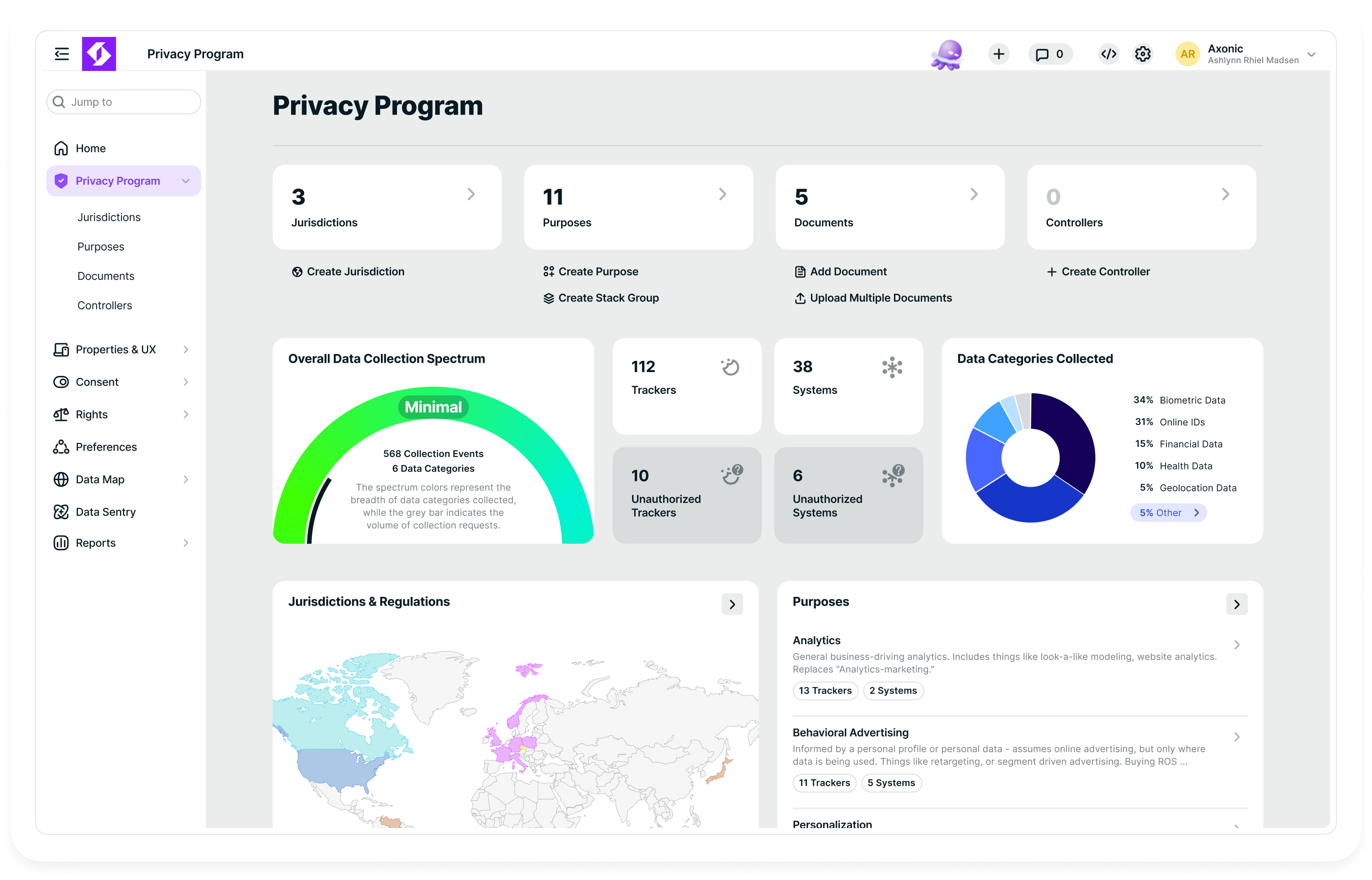
How to add a cookie banner to Hubspot using the Ketch Smart Tag
Adding a cookie consent banner to your HubSpot site is easy with Ketch. Whether you're working on a landing page, blog, or any HubSpot-hosted content, the process is the same.
Step 1: Grab the Ketch Smart Tag
- Sign up for Ketch Free or log into your Ketch dashboard
- Navigate to the Properties screen
- Select the right property and click on Export Code
- Copy the Website Smart Tag code provided

On the Properties screen, select the right property and click on Export Code.

Copy the Website Smart Tag code provided.
Step 2: Navigate to settings in HubSpot
- In your Hubspot account, click on Settings (clog wheel icon) on your top navigation
- Navigate down to Content, and click on Pages on the left panel

Click on Settings (clog wheel icon) on your top navigation.

Click on Pages on the left panel.
Step 3: Add the cookie banner code
- In Pages, select the domain you want to apply your new cookie banner code on
- Next, In the Site Header HTML section, paste the Ketch Smart Tag script (available from your Ketch Properties - see Step 1 above)

Select the domain you want to apply your new cookie banner code on.

In the Site Header HTML section, paste the Ketch Smart Tag script.
Step 4: Save and deploy
- Click Save to implement the cookie banner on your Hubspot site
- Navigate to your website and preview to see your cookie banner live

Click Save to make your cookie banner live.

Navigate to your site to see your cookie banner live.

Click Preview to check your cookie banner.

See your Hubspot cookie consent banner live.
“We chose Ketch because of their unparalleled commitment to data privacy and compliance. Their advanced, flexible platform aligns perfectly with our mission to provide clients with secure, scalable solutions that build trust and drive sustainable growth.”
- Raj Tyagi, Founder & Partner, Brightter
The free cookie banner and consent management you need, designed with you in mind
Growing small businesses get Ketch Free to achieve data privacy compliance at no cost, and with peace of mind.
Ketch offers a free, no-code cookie banner and consent management solution tailored for small businesses. It enables users to create customizable cookie banners that comply with privacy regulations such as GDPR and CCPA.

Hubspot Cookie FAQs
Do I need a cookie consent banner on my HubSpot site?
Yes—if you're collecting personal data through cookies or third-party tools, privacy regulations like GDPR and CCPA require clear notice and user consent.
Can I use Ketch on any HubSpot page?
Absolutely. Ketch can be deployed on all HubSpot-hosted content including landing pages, blogs, and website pages using a simple tag in the Head HTML.
What happens after I install the Ketch tag?
Once the tag is active, the cookie consent banner appears to visitors and enforces their preferences in real time—blocking or allowing cookies based on consent.
Can I customize the banner to match my branding?
Yes, Ketch lets you fully customize the banner’s appearance, language, and layout to align with your site design and user experience.
Will the banner stay compliant with new privacy laws?
Yes. Ketch automatically updates to reflect changes in global privacy regulations, helping ensure ongoing compliance without manual updates.


